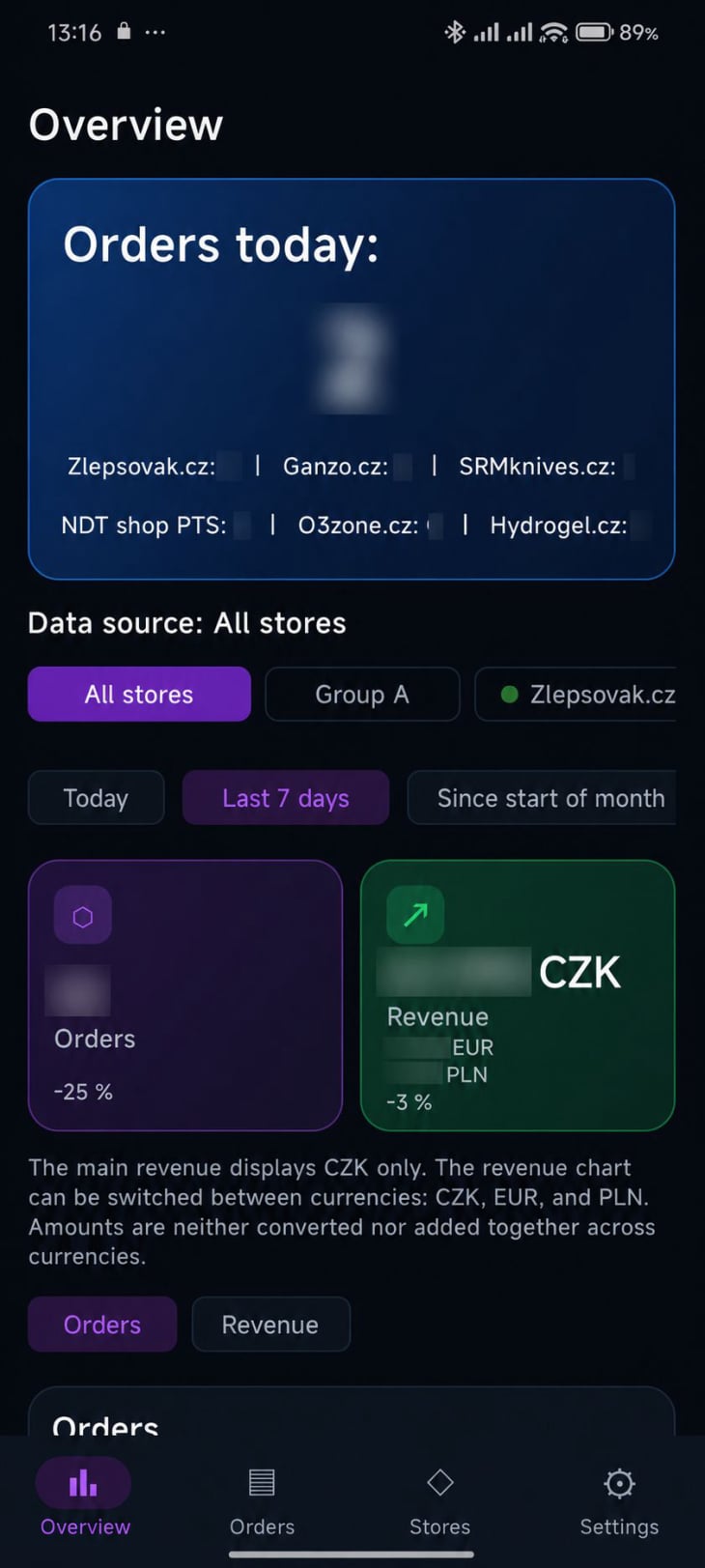
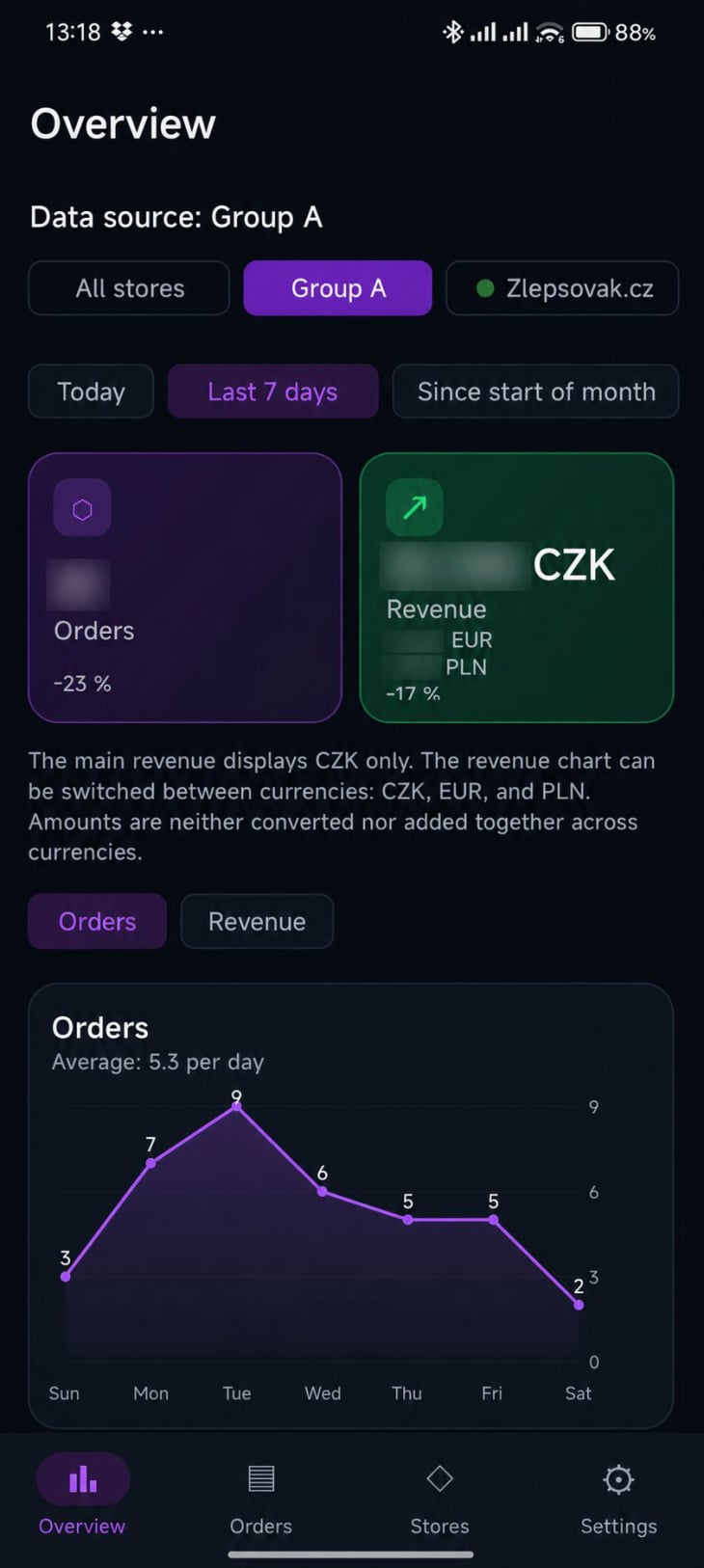
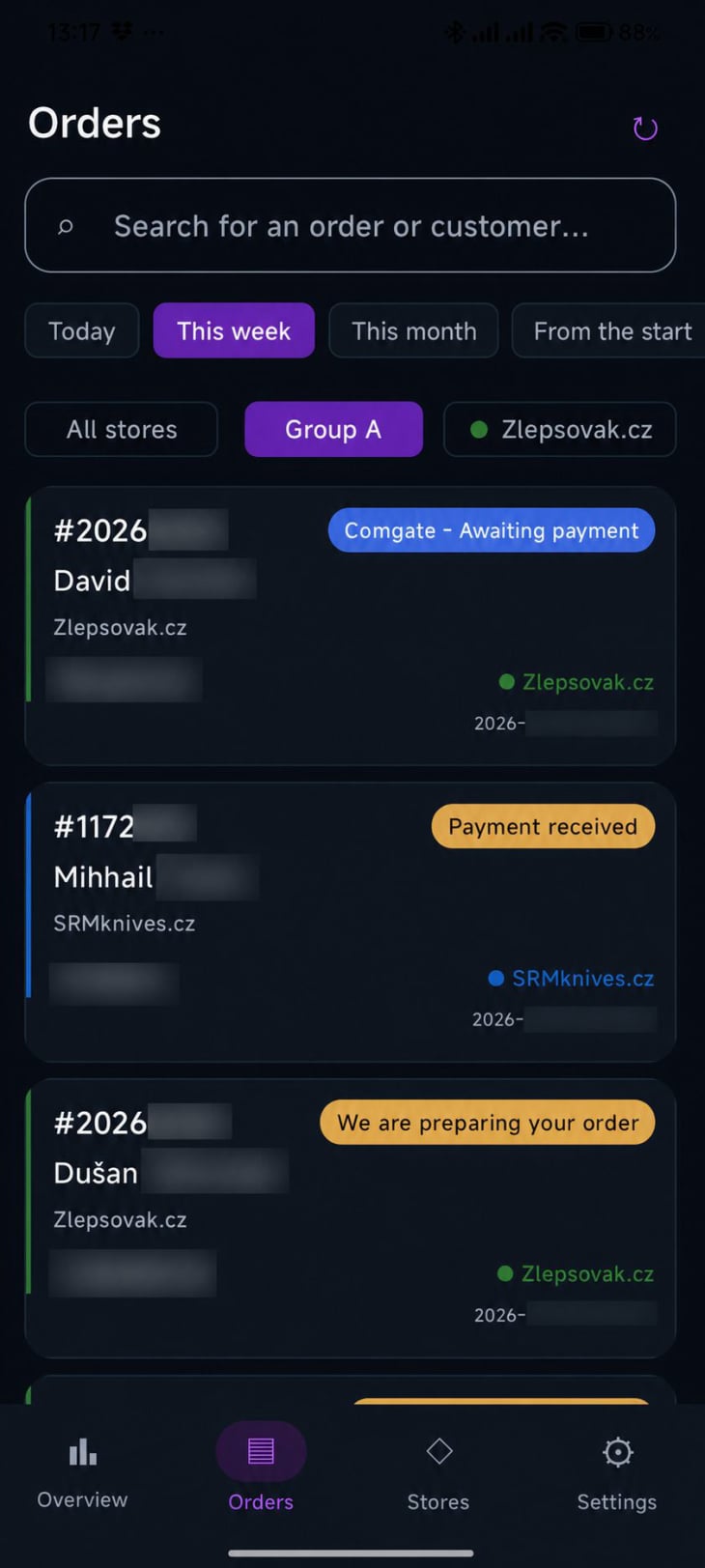
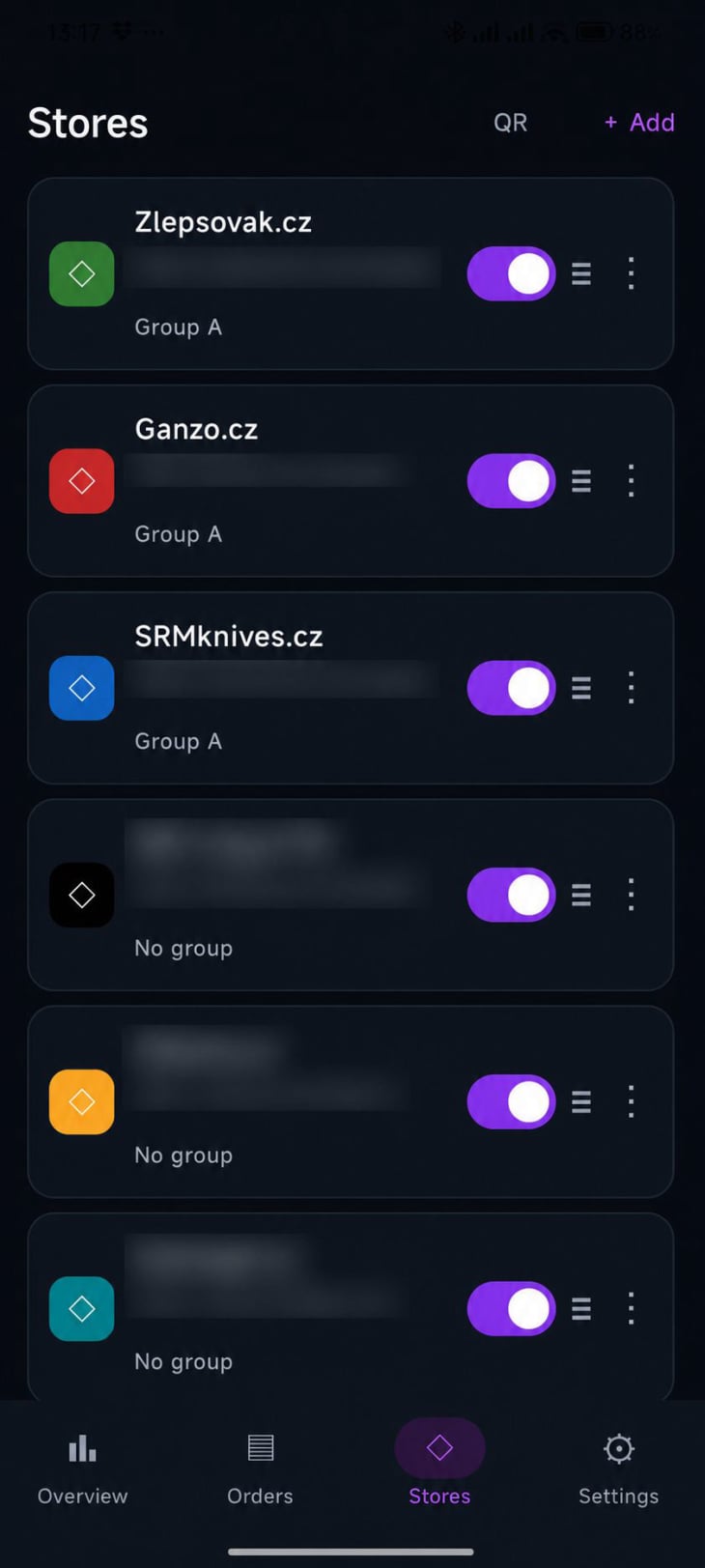
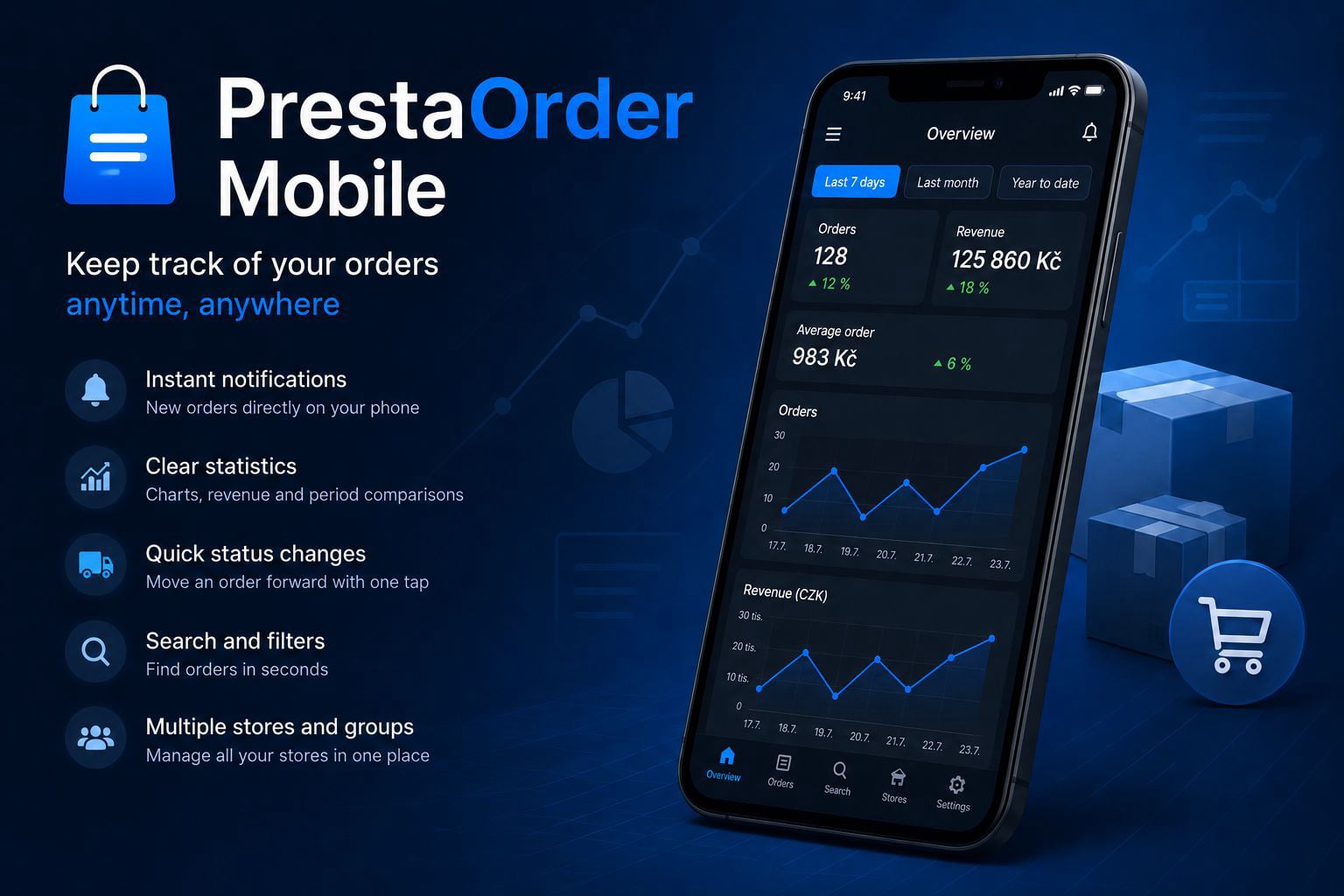
PrestaOrder Mobile was created as a practical tool for quickly managing orders from multiple online stores built on the PrestaShop platform.
01
The original goal was to enable convenient monitoring of new orders directly from a mobile phone, without having to log in to the administration panel of each online store separately. Over time, product images, order status changes, notifications, color-coded stores, time filters, and secure connection via QR code were added.
The app was created based on real-world needs arising from the daily operation of several online stores.

02
Concept by: Jan Carbol
Technical implementation: created in collaboration with OpenAI artificial intelligence
1
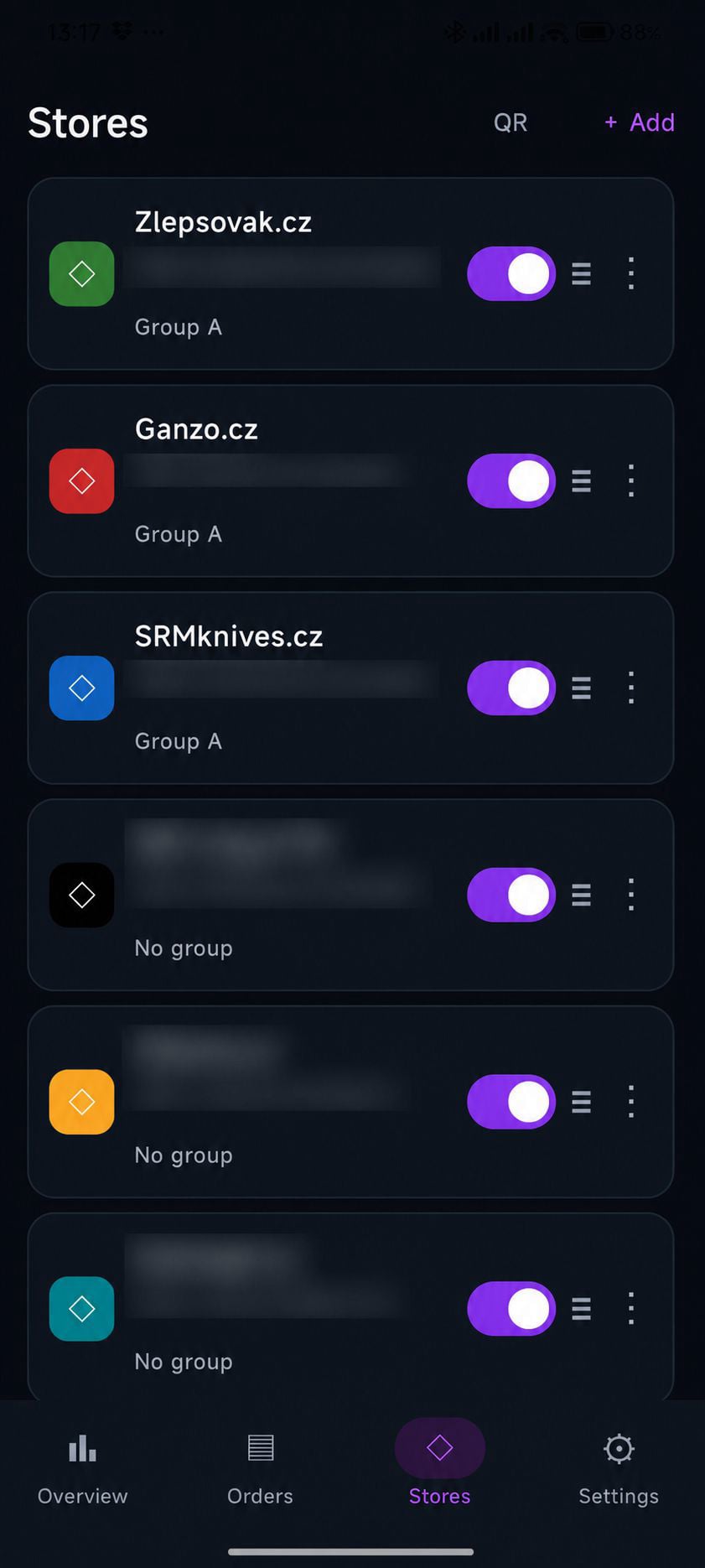
- Connect multiple PrestaShop stores.
- Each store has:
- its own URL,
- API key,
- custom color.
- Enable or disable individual stores.
- Store groups (no group, A, B, C).
2
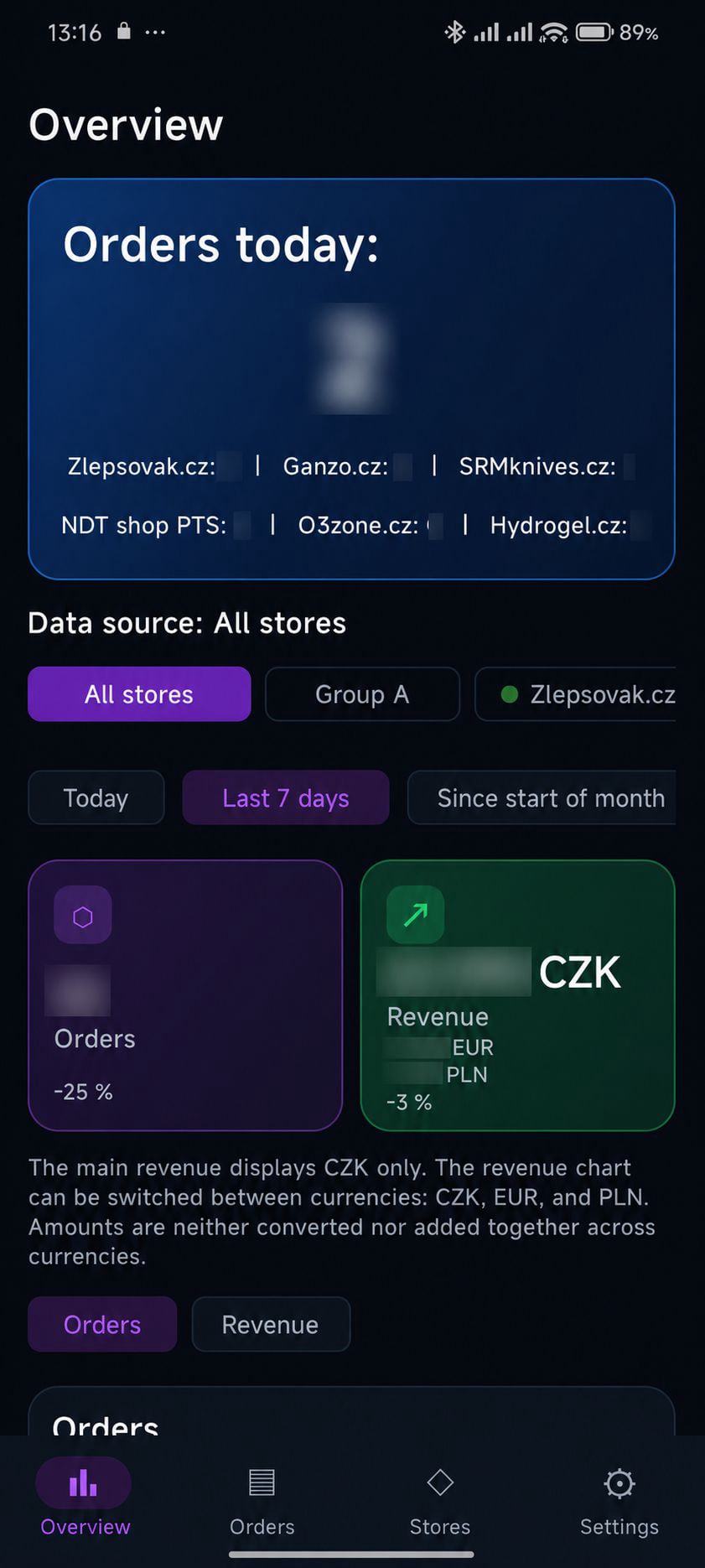
- Detailed summary for today
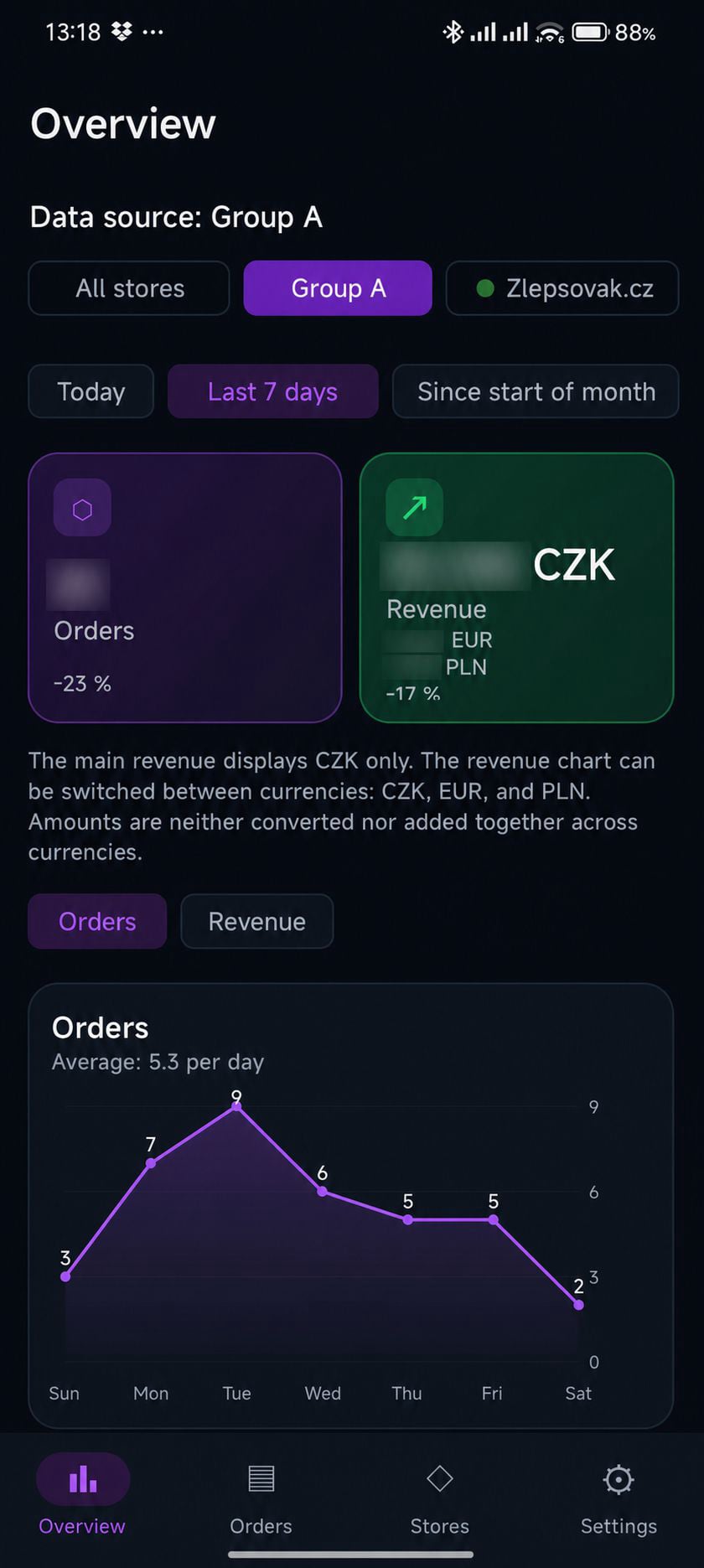
- Summary statistics:
- number of orders,
- revenue
Charts:
- number of orders,
- revenue (by currency)
3
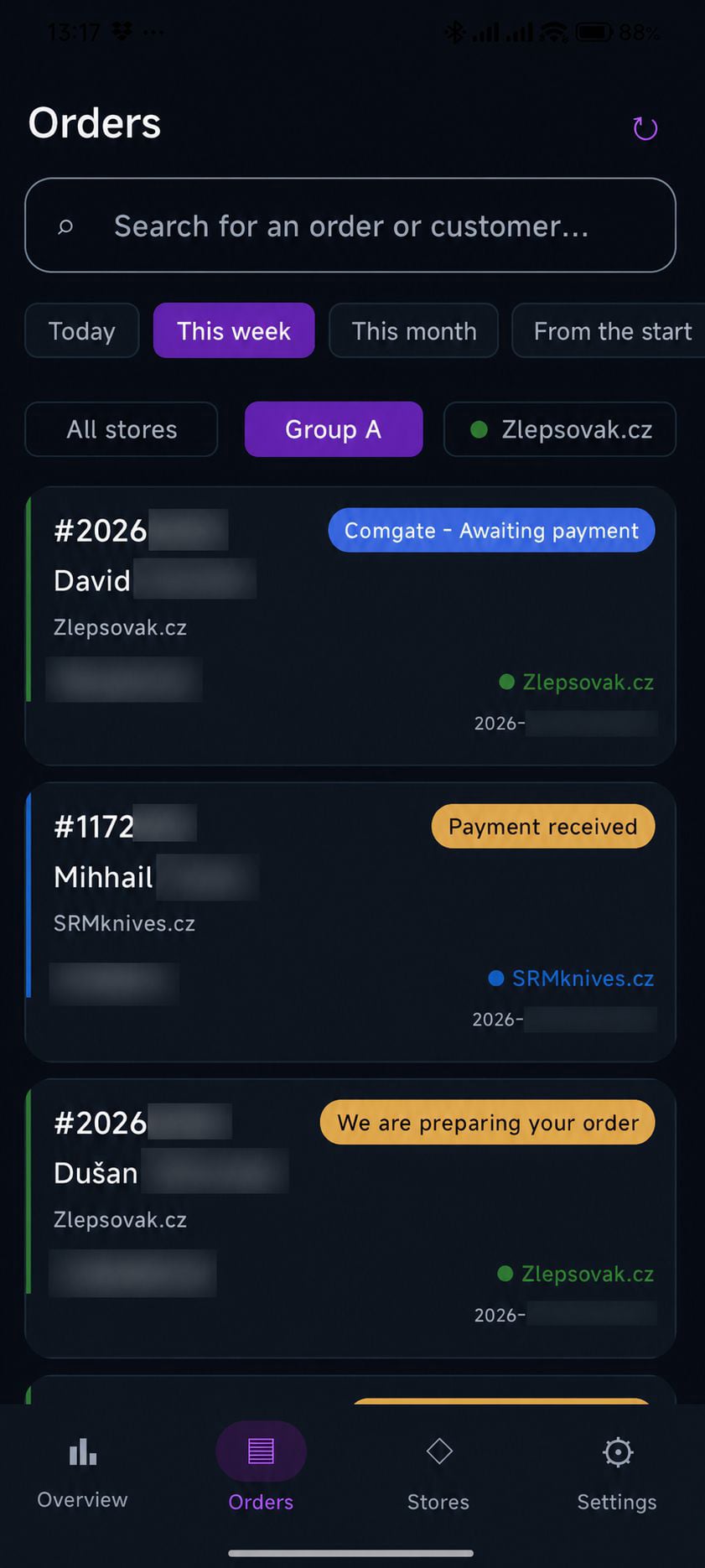
- Load orders from all online stores.
- Color coding by online store.
- Sort by the actual creation time.
- Pull to refresh.
- Automatic list refresh.
- Order details with links to the online store and the carrier (if a tracking number is available for the order).
4
- Filtering (all online stores, groups, or individual stores).
- Search by customer name or order number.
- Shipment tracking.
- Change order statuses.
- Three quick order statuses.
- Notifications.
- New order highlighting.
- Multiple languages (CZ, EN, SK, PL, DE, and more).
- Home screen widget.
- Dark and light themes.
1. Install and activate the PrestaOrder Mobile API module in the PrestaShop administration panel.
2. Install the PrestaOrder Mobile app on your Android phone.
3. In the app, select Add Store and scan the QR code displayed in the module.
4. The connection will be configured automatically, and the app will perform its first order synchronization.
Once the installation is complete, you can manage orders, change their statuses, track shipments, and receive notifications about new orders.
The software is free and provided without warranty.
Designed for PrestaShop:
8.x and 9.x
1.7.8.x – It will probably work, but this version is neither officially supported nor tested.
If you have a suggestion for improvement or any feedback, please use the form below.
If you find the software useful, I would appreciate your contribution.
Sensitive access tokens are stored securely on the phone using Android Keystore. The app communicates only with the online stores added by the user.